
Admin
You're signed in, but this account isn't set up as an admin.
Every order not yet marked Delivered. Changing the status here updates it immediately for the customer on their own Order Summary page/screen (customers see "Order Summary"; admins see "Order Status"). Once marked Delivered, an order drops off this list — the record itself stays in the database, it just stops showing here.
Send a customer a password reset link — this is the same safe method available to customers themselves from the login window. For privacy, Supabase never reveals whether an email actually has an account.
Anyone listed below can sign in here and reach this dashboard. Adding someone here doesn't create their account — they must already have (or later create) a normal Vrksayurveda login with this exact email; being listed here is what upgrades that login to admin. A Super Admin has full control of everything, including this panel. A plain Admin only gets the specific tools checked below.
Tools this Admin can use:
Super Admin only, on both sides: this dashboard section, and the tools linked from the "Diagnosis Cycle Admin" tab. Customers never see Tier 2 (camera/server settings) or Tier 3 (model training) — they only ever get a Tier 1 page (log a plant, upload a photo, see the diagnosis result) once you've switched it on for their account below. Every signed-in customer now sees a "Dr.Vrksayurveda" button on the main site — clicking it shows them what the feature does and lets them request it, without opening the real app until you've granted access.
What the live diagnosis model was actually trained on, straight from the last "Train plant diagnosis model" GitHub Actions run. Runs automatically on a schedule (and can be triggered manually from the repo's Actions tab) — this just reports the result, it doesn't trigger a run.
3 October 2026: free-tier access requests from the Plant Diagnosis page are now auto-approved instantly by the database — no manual grant needed. This is now a log, not a queue: each row shows when a customer was auto-approved. Use Revoke if you need to pull access back from someone. A request for anything other than the free tier (none exist yet) would still show up here as pending, waiting for a manual Grant.
Grant a customer's existing login access to the Tier-1-only Plant Diagnosis page (a link then appears on their account when signed in). This is the on/off switch for the feature — usage limits once it's on are handled by Plant Diagnosis Credits below.
A customer requested one of these packs from the Plant Diagnosis page. No payment gateway is wired up yet, so once they've paid you directly (UPI/bank transfer), mark the order paid here — that credits their account immediately, atomically, and logs it.
5 free credits/month per account (Plant Diagnosis + Insect ID share one pool), reset automatically with no rollover. Look up any customer's balance and recent history, or grant bonus credits (support gestures, corrections — always added to their non-expiring paid balance, never the monthly free one).
Weekly manual logging (Tier 1), automated photo capture + Plant Diagnosis (Tier 2), and a training-dataset export for a custom model (Tier 3) — all in one page.
Open Plant Monitor →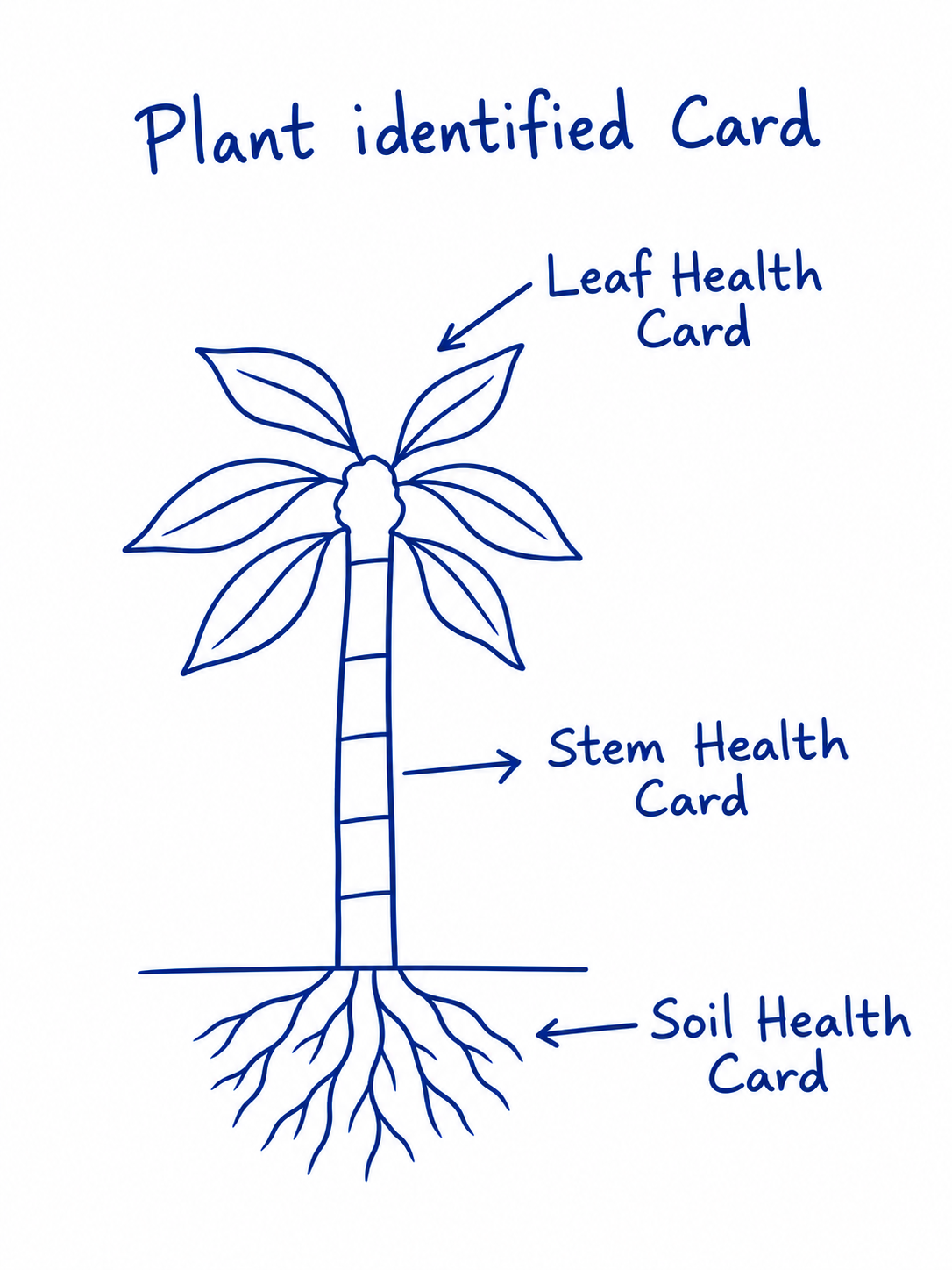
One form, two effects: the remedy text shown to customers under "Suggested remedy" on their diagnosis result, and (optionally) a confirmed-correct example photo that the nightly Tier 3 training run includes alongside real customer-diagnosed photos.
Open Remedy Manager →Confirmed-correct example photos of a named plant species — used by Tier 3 training to eventually train its own plant-species classifier instead of depending on Kindwise for every customer identification. Never shown to customers.
Open Plant ID Reference Photos →Confirmed-correct example photos of a named insect/pest — used by Tier 3 training to eventually train its own insect classifier instead of depending on Kindwise for every customer identification. Never shown to customers.
Open Insect ID Reference Photos →The per-crop pH, moisture, EC, N/P/K reference ranges customers' logged soil readings are compared against on their diagnosis result's Soil Health Status block — tune any of the 49 vegetable/fruit crops here instead of hand-editing SQL.
Open Soil Health Card →Confirmed-correct example photos of a named stem disease — used by Tier 3 training to eventually train its own stem-disease classifier instead of depending on Kindwise for every customer identification. Never shown to customers.
Open Stem Disease Reference Photos →